
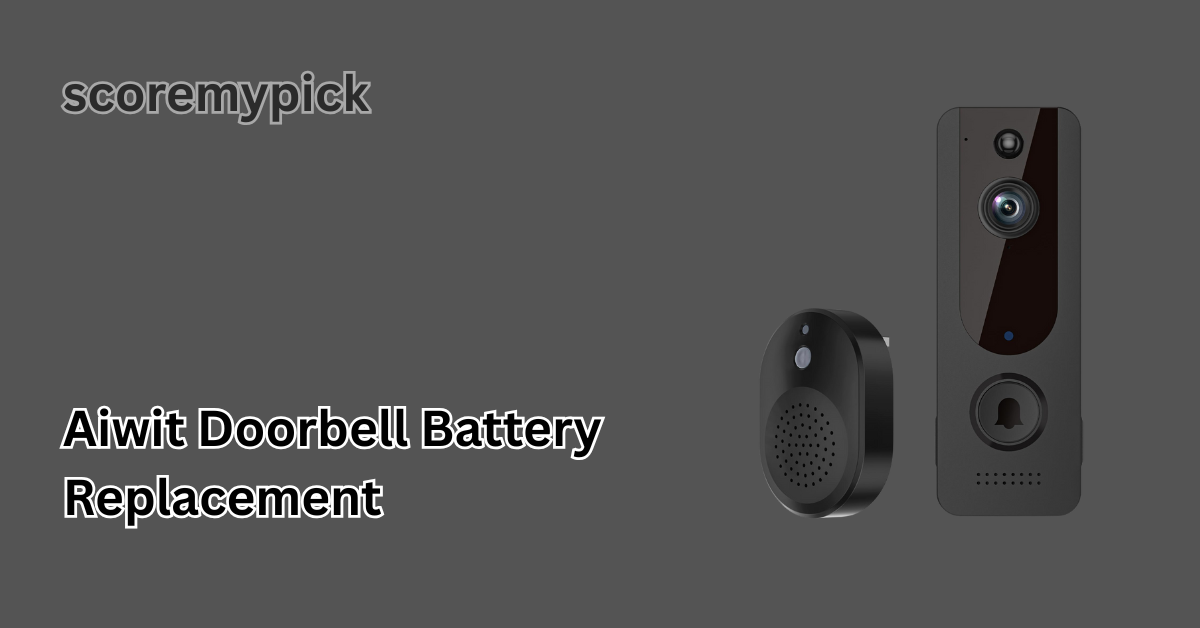
The smart home is the technology that has transformed how we secure and guard our houses, and AIWIT doorbells are not an exception, as it is one of the most favoured video doorbells that are cost-effective in 2025.
These devices unite convenience and safety with motion alerts, HD video streaming, and smart notifications via the AIWIT app.
But eventually, all battery-operated door bells will require maintenance, particularly as your doorbell displays low battery indicators, slow video calls or no longer contacts Wi-Fi. It is time that the AIWIT doorbell battery needs replacement.
Here is the guide on how to do everything a person needs to know, including finding the right battery type, replacing it, and selecting the most appropriate replacement batteries with long-lasting power. This guide will get your doorbell functioning fully powered, responsive, and reliable regardless of which AIWIT D3, D5, or the new Pro Series 2025 you have.
AIWIT Doorbell Battery Types (18650 Explained)
The video doorbells produced by most AIWIT include two rechargeable lithium-ion 18650 batteries. They are cylindrically designed batteries with 18 mm x 65 mm dimensions, with a high energy density and long life.
Normal AIWIT doorbell batteries in 2025 are 2600 mAh to 3200 mAh, and a typical lifespan of 60 to 120 days per charge based on motion detection and temperature frequency.
In purchasing the replacements, check for covered 18650 batteries -they include an in-built circuit that inhibits an overcharge or overheat. Samsung, LG and Panasonic are some of the most trusted brands that are highly recommended.
New 2025 AIWIT Models
In 2025, AIWIT introduced models with removable lithium-polymer packs, offering faster charging (around 3 hours) and a runtime of up to 5 months. Always confirm your model in the AIWIT app settings before ordering a new battery pack to ensure compatibility.
Step-by-Step: How to Remove and Replace the AIWIT Doorbell Battery Safely
Replacing the AIWIT doorbell battery is simple but should be done carefully to avoid damaging the internal connectors or waterproof seals.
What You’ll Need
- Two 18650 rechargeable batteries (3.7V, protected type)
- Small Phillips screwdriver
- A soft microfiber cloth
- USB charging cable (included in most AIWIT kits)
Step-by-Step Process
Step 1: Power Off the Doorbell
Before you begin, hold the power button for about 5 seconds until the LED light turns off. This prevents short-circuiting during battery replacement.
Step 2: Remove the Doorbell from the Mount
Gently lift the bottom edge of the doorbell from its mounting bracket. Most AIWIT models slide upward or have a small locking screw underneath.
Step 3: Open the Battery Compartment
Locate the back panel — small screws secure it. Remove them carefully and open the compartment using your fingernail or a plastic pry tool.
Step 4: Take Out the Old Batteries
Slide out both batteries, ensuring not to damage the contact springs. If the batteries appear swollen, corroded, or hot, dispose of them safely at a battery recycling centre.
Step 5: Insert New Batteries
Align the positive (+) and negative (–) sides correctly as indicated. Insert both batteries firmly but gently.
Step 6: Close and Test
Reattach the back cover, screw it tightly, and mount the doorbell back on the bracket. Press the power button until the LED indicator flashes blue. Open the AIWIT app to confirm that your doorbell is online and functioning.
This process typically takes under 5 minutes, and your doorbell should be fully operational once charged.
Best Replacement Batteries for AIWIT Doorbells
When selecting new batteries, the market can be confusing with dozens of options — some real, some fake. Here’s what to focus on in 2025:
Recommended Battery Specifications
- Type: 18650 Rechargeable Lithium-Ion
- Voltage: 3.7V
- Capacity: 3000–3200 mAh
- Protection Circuit: Required
- Charging Current: 1A–2A Max
Top Recommended Brands (2025)
- Panasonic NCR18650B (3400 mAh) – Excellent for longer runtime.
- LG MJ1 3500 mAh – Balanced performance and safe discharge rate.
- Samsung INR18650-30Q (3000 mAh) – Reliable and affordable.
- Efest Protected 18650 (3100 mAh) – Premium quality with built-in safety protection.
Avoid These Mistakes
- Don’t buy unbranded cells with exaggerated capacity claims (like “9900 mAh”).
- Avoid unprotected cells — they can overheat.
- Never mix old and new batteries in the same unit.
High-quality batteries improve performance and protect your AIWIT doorbell’s internal circuit from power surges.
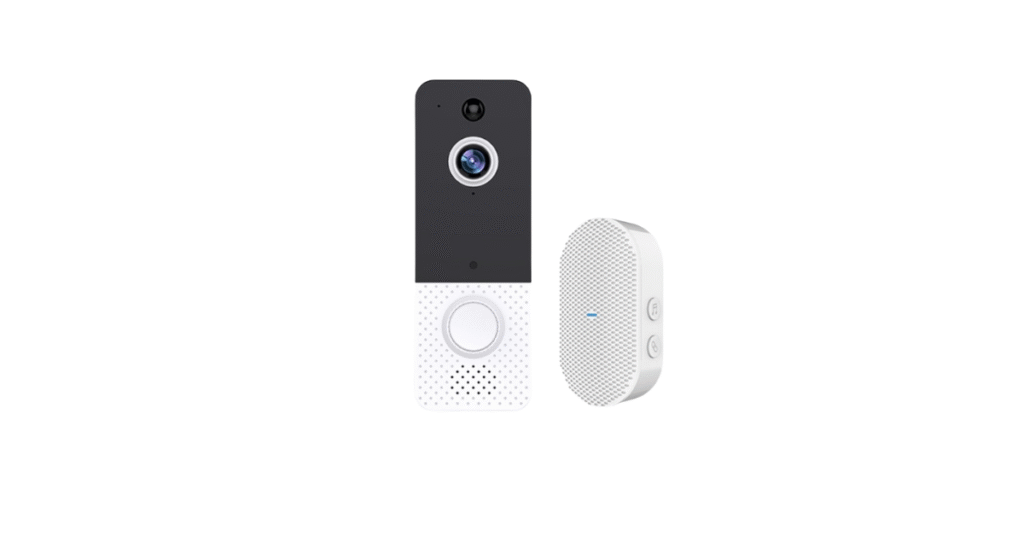
How to Extend Battery Life — Settings, Mounting, and Real-World Tips
Proper usage habits can double your AIWIT doorbell’s battery life. Follow these smart tips:
1. Adjust Motion Detection Sensitivity
In the AIWIT app, lower sensitivity if your doorbell faces a busy street. Fewer false alerts mean longer battery duration.
2. Turn Off Night Vision When Not Needed
If your entrance is well-lit, turning off IR night vision saves energy.
3. Optimise Wi-Fi Signal Strength
A weak connection drains more power. Keep your doorbell within 20 feet of your router or use a Wi-Fi extender.
4. Maintain Temperature Range
Extreme cold below 0°C (32°F) or heat above 45°C (113°F) reduces battery performance. Mount your doorbell in shaded or covered areas.
5. Use the Latest Firmware
AIWIT often releases firmware updates that optimize battery management. Always update via the AIWIT app.
With these steps, most users in 2025 report up to 30% longer battery life between charges.
Doorbell Not Charging or Not Powering On after Battery Swap
Sometimes, your AIWIT doorbell won’t turn on even after replacing the battery. Here’s how to fix it:
1. Check Battery Orientation
Ensure both cells are inserted in the correct direction — a common mistake preventing charging.
2. Confirm Charger and Cable Function
Use the original AIWIT micro-USB or Type-C cable. Third-party cables may not deliver the required current.
3. Clean the Battery Terminals
Dust or oxidation on the metal contacts can block power flow. Gently clean them using a dry microfiber cloth.
4. Reset the Doorbell
Hold the power button for 10 seconds until the LED flashes red-blue. Reconnect to your Wi-Fi via the app.
5. Check for Firmware Update Failures
If the issue began after an update, uninstall and reinstall the AIWIT app, then reconnect your device.
If none of these steps work, your unit’s power board may need service — contact AIWIT Support for repair or replacement.
Warranty, Recycling, and When to Contact AIWIT Support
AIWIT Warranty Policy (2025 Update)
AIWIT provides a 12-month limited warranty on its doorbell and original batteries. However, third-party battery replacements may void warranty claims if damage occurs due to poor-quality cells.
Battery Recycling
Never throw lithium batteries in household trash. Take them to a certified battery recycling centre or an electronic waste facility. Many hardware stores now offer free drop-off boxes for 18650 cells.
When to Contact AIWIT Support
- If your doorbell overheats after installing new batteries
- If it fails to charge even with verified 3.7V cells
- If the LED indicator shows a constant red without charging
AIWIT’s 2025 customer support has improved response times — you can reach them through the AIWIT App > Settings > Support > Chat, or via their official website’s live chat.
Conclusion
Changing your AIWIT doorbell battery is not a simple task, but it is one of the things that should keep your home security in good condition.
With the correct replacement instructions, real 18650 batteries, and the application of smart battery management tips, you can be confident that your gadget will last several years on its help.
This guide will provide you with all you need to maintain your doorbell if it is an older AIWIT D3 or a more recent AIWIT Pro 2025.
FAQs
What kind of battery does the Aiwit doorbell use?
The Aiwit doorbell uses two rechargeable 18650 lithium-ion batteries (3.7V) that provide high capacity and long runtime.
How to change the battery on the Aiwit doorbell?
Slide the doorbell off its mount, open the back cover, remove the old 18650 batteries, insert new ones correctly, and reattach the cover.
How do you change the battery on a doorbell?
Power off the doorbell, remove it from its bracket, open the battery compartment, replace the old batteries, then power it back on and test.
How long should a doorbell battery last?
A fully charged Aiwit doorbell battery typically lasts 2 to 4 months, depending on motion detection settings, Wi-Fi strength, and temperature.